



Software for video conferences has evolved into a necessity in our everyday lives and a lifeline for millions of people. Colleagues can see and hear each other in high-definition (HD) using the greatest video conferencing software and apps available today. It can be challenging to choose among the many video conferencing alternatives available because they all have distinct features and cost differently. To assist you in finding the best option for your team and budget, we have curated a list of the Best Video Conferencing Software in 2023
1. Google Meet
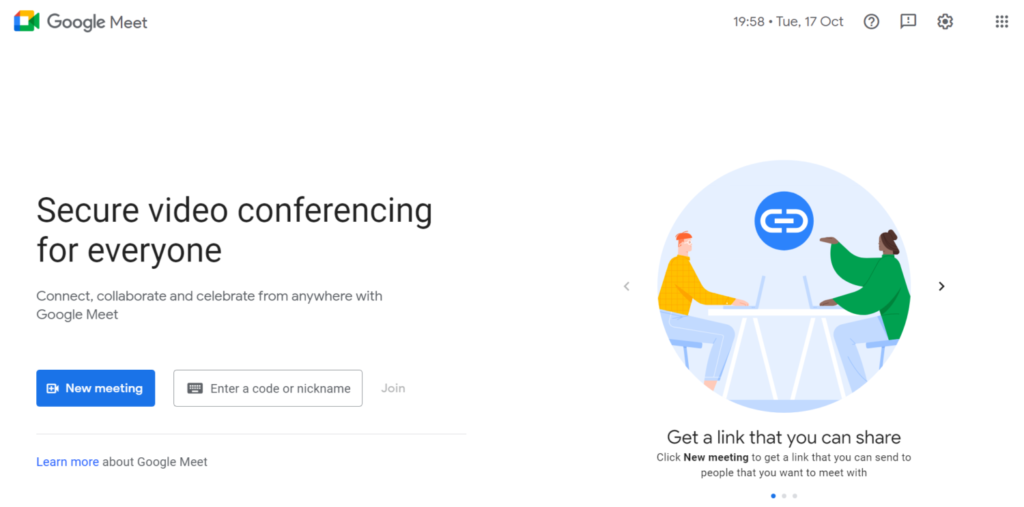
A flexible platform for video calling and meetings, Google Meet is accessible on a variety of devices. It has features like speaker separation, noise suppression, and meeting joining via Android TV. Updates like video framing, multipinning, subtitles in other languages, and the capability to lock audio and video for participants are also advantageous to users.
With features like Q&A, polling, background customization, and attendance tracking, Google Meet keeps improving the experience of holding virtual meetings, making it a complete tool for connecting and collaborating.
2. Microsoft Teams
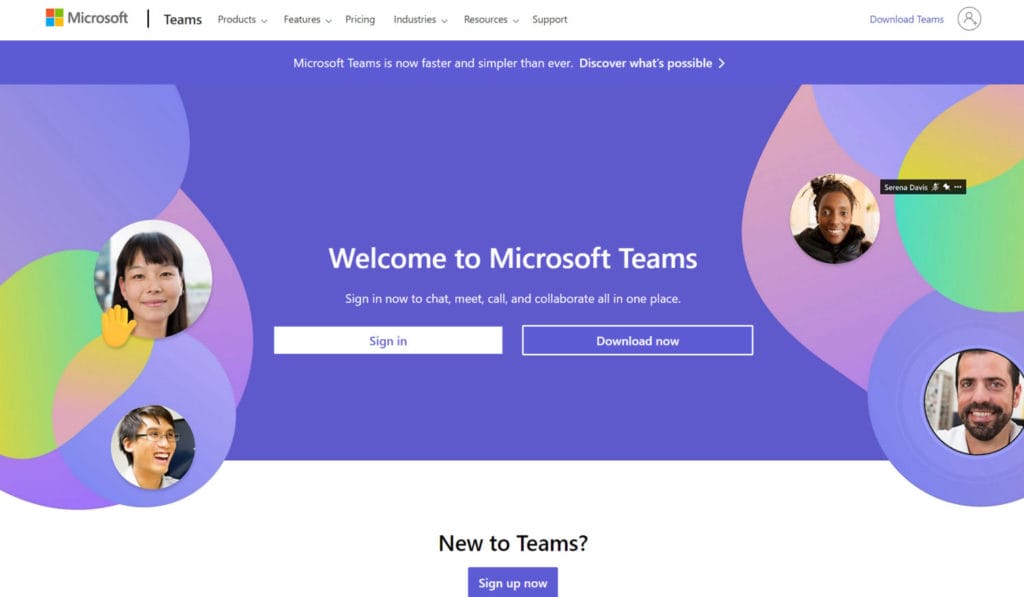
Microsoft Teams is an intuitive tool for online meetings and collaboration in flexible work settings. To improve communication and collaboration, it provides a variety of services, such as video conferencing, virtual meetings, audio conferencing, and virtual events.

Further, the software is commended for making remote work easier, fostering stronger relationships among coworkers, and offering a variety of interaction elements like chat, hand-raising, and virtual backgrounds to foster effective virtual meeting environments.
Also, you may read 8 Best Time Management Apps – Take Control of Your Time
3. Zoom

Zoom provides a complete video meeting solution that makes messaging and video conferencing on any device simple. With features like simple meeting scheduling, HD audio and video meetings for up to 1,000 people, built-in collaboration tools, and more, it has unmatched usability and enables rapid adoption.
Additionally, Zoom’s AI Companion and numerous integrations improve the experience of virtual meetings, giving it a top option for professionals looking for effective and efficient tools for distant communication, collaboration and project management.
4. Skype
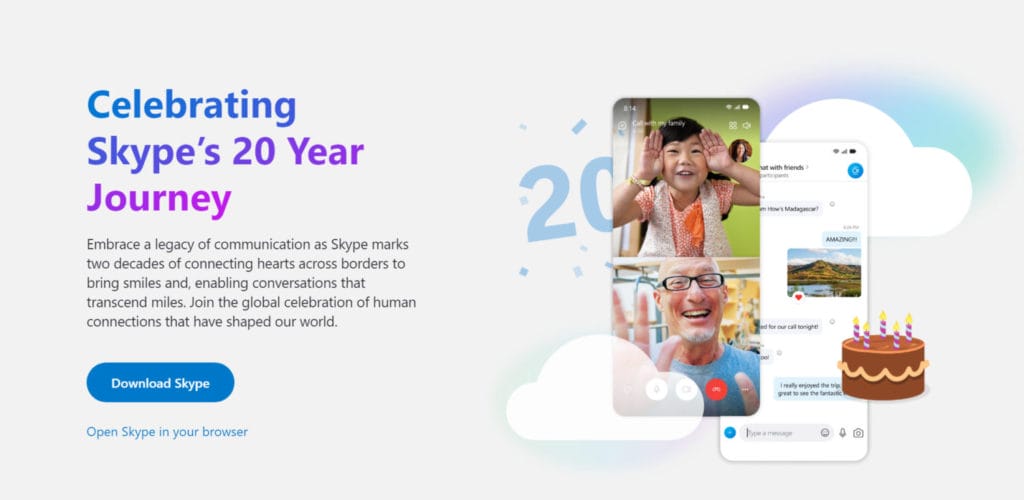
Skype is a well-known communication tool. Among its numerous features are audio and HD video calling, smart messaging, screen sharing, call recording with live subtitles, calling phones, and private conversations. It is accessible across a variety of platforms, including the web, computers, tablets, and mobile phones.
Also, Skype is also a wonderful option for businesses because it enables users to record calls, enable live captioning & subtitles, organize video or audio conferences with up to 100 people, and just converse using smart chat.
5. Webex Meetings

A comprehensive video conferencing system with many capabilities to facilitate hybrid work is Webex Meetings. It is a wonderful option for businesses of all sizes because it is simple to use, scalable, and secure. The platform has numerous capabilities, including interfaces with Salesforce and other well-known corporate software, integrated apps, and Apple CarPlay. You may converse with a digital assistant that can take notes during any meeting using the voice command capability as well.
Also, you may read 7 ways to Entertain or Engage your Remote Team
6. GoToMeeting
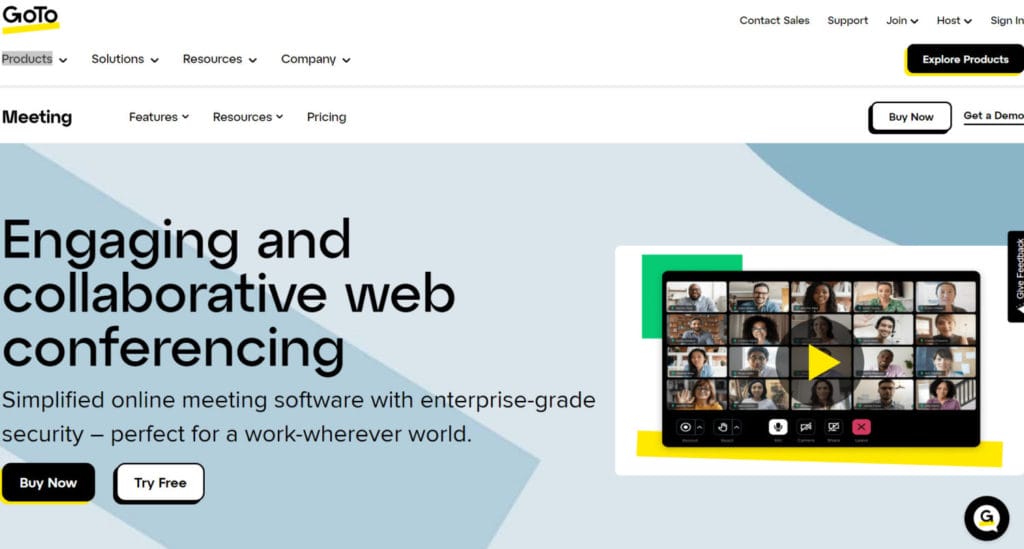
You can set up breakout rooms in GoToMeeting for more intimate conversations or teamwork sessions. This is a fantastic way to facilitate seminars, brainstorming sessions, and other events. You can also use it to record meetings and write down the transcripts. To efficiently manage and support teams, administrators have simplified access to products, hosting options, and reports. For a conference that is more focused, the platform also provides noise cancellation.
7. Zoho Meeting

A comprehensive platform for online meetings and webinars, Zoho Meeting provides a wealth of features and functionalities at a reasonable cost. It offers a variety of security features, including participant control, meeting encryption, and password protection.
Further, numerous collaboration features, such as screen sharing, whiteboards, polls, Q&As, and others are available on the platform. For a unique way to engage audiences, hosts can design emails and registration forms.
8. ClickMeeting

Live online meetings, webinars, and training sessions can all be held using the web conferencing software ClickMeeting. Real-time communication between up to 40 persons is made possible by this technology. Besides, you can assign presenters, control conversations, and grant and revoke access to meeting attendees.
Additionally, they enable users to host webinars with up to 1,000 participants that may be accessed on demand and live streamed. Administrators can generate extra cash for users by selling their webinars to potential attendees using ClickMeeting.
Also, you may be interested in reading Top 15 Team Management Software in 2023
9. Lifesize

A video conferencing platform called Lifesize can connect to meeting apps like Google Meet, Microsoft Teams, Zoom, and Cisco Webex. Additionally, it provides smart, tailored video conferencing connections and 4K video conferencing technology. Hosts may manage outbound marketing, livestream, track discussions with AI, and more using Lifesize. The platform gives users access to call recording, queued call-back, and other beneficial sales solutions.
10. Amazon Chime

With the help of a single application, you can hold meetings, have chats, and make business calls both inside and outside of your company using Amazon Chime. It supports in-room video conferences and provides HD video, audio, screen sharing, meeting chat, dial-in numbers, and all of the above. Chat and chat rooms can be used for ongoing conversations on desktop and mobile devices.
11. U Meeting

Users of the U Meeting platform for video conferencing and online learning can organize meetings for up to 200 people, share screens, and use a virtual whiteboard. Additionally, it allows end-to-end encryption, hosting of webinars, and breakout sessions. U Meeting may be used with Chrome without any plugins on Windows, Mac, and iOS/Android devices. The software provides virtual cosmetics plugins, cloud storage, and a thorough analysis of the webinars it hosts.
Also, you may read 50 Tools for Remote Team Engagement
12. BlueJeans Meetings
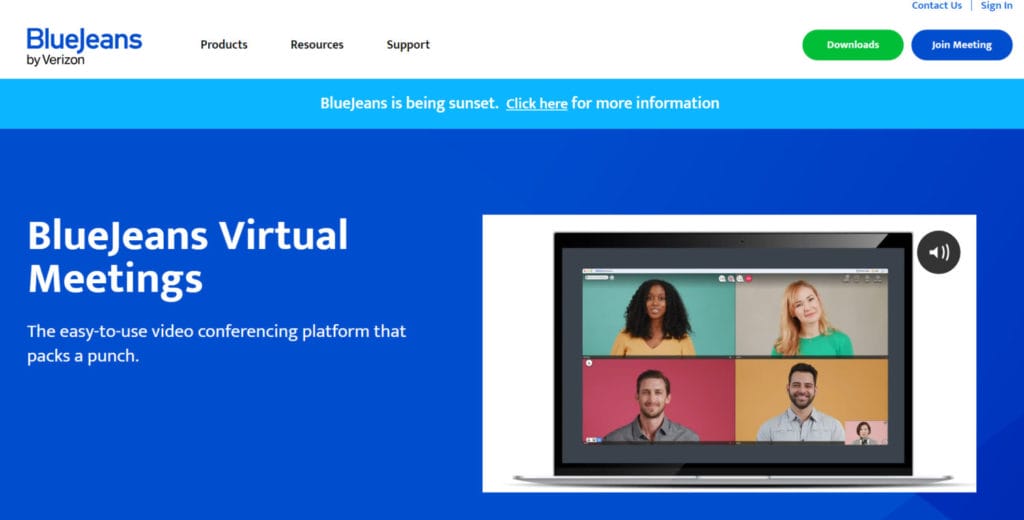
In addition to HD screen sharing, video streaming, digital annotation, calendar sync, meeting chat, recordings, virtual backdrops, and browser meetings, BlueJeans Meetings is an intuitive video conferencing platform that offers a wide range of capabilities. It may be used to host meetings with up to 1,000 participants and is dependable and secure. A maximum of 75 concurrent breakout sessions are also available to meeting hosts, enabling better virtual setups for collaboration.
Conclusion
All video conferencing tools make the same claim: they enable distant conference hosting while maintaining face-to-face communication. However, each of the video conferencing products on this list—and those that aren’t—has unique standout features, varying degrees of quality, and unique restrictions. The best course of action is to test out a few options from this list to discover which ones work best for your team.
Frequently Asked Questions
Can I use video conferencing software on mobile devices?
Yes, most video conferencing software providers offer mobile apps for smartphones and tablets, allowing you to participate in meetings on the go.
Can I record video conferences for later viewing?
Yes, most video conferencing software allows you to record meetings. You can then access and share the recorded content with participants who might have missed the live meeting.
How can I secure my video conferences from unwanted participants?
To secure your video conferences, you can use features like meeting passwords, waiting rooms, and meeting locks. Additionally, only share meeting links with trusted participants, and regularly update your software to patch security vulnerabilities.
How does video conferencing software work?
Video conferencing software works by transmitting audio and video data over the internet. It typically involves participants using webcams and microphones to capture their audio and video, which is then transmitted to a central server. The server processes and redistributes this data to other participants in the meeting.
